You grab your laptop. You head down to the local coffee shop. You order an overpriced latte, connect to the free Wi-Fi, and open Slack. You feel incredibly productive.
You are also completely exposed.
While you are answering emails, a bored teenager sitting three tables away is running a packet sniffer. They are quietly harvesting your session cookies. By the time you finish your coffee, they have unauthorized access to your company’s internal database.
This is not a paranoid movie script. It happens every single day. This is exactly why remote workers need a VPN.
Working outside the corporate office means you left the corporate firewall behind. You are entirely on your own. If you want to keep your remote jobs, you must take your own digital security seriously. Ignorance is no longer an acceptable excuse.
We are going to break down the brutal reality of network security. Here is the definitive guide explaining exactly why remote workers need a VPN and how to stop making yourself an easy target.
Table of Contents
The Public Wi-Fi Death Trap
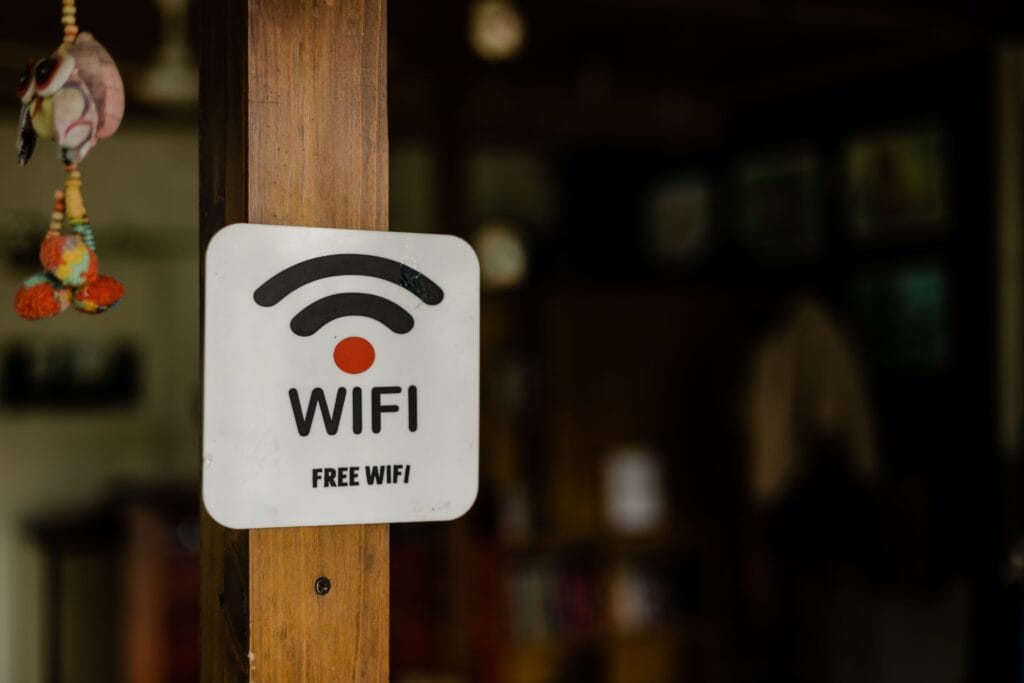
Let’s talk about public Wi-Fi. It is a digital war zone.
When you connect to an airport lounge, a hotel, or a café network, you are joining an open broadcast. Everyone on that network can potentially see what everyone else is doing. There is zero inherent privacy.
Hackers use a technique called a “Man-in-the-Middle” attack. They set up a fake Wi-Fi hotspot named “Starbucks_Free_WiFi.” You connect to it without thinking. Now, every single website you visit, every password you type, and every file you download passes directly through their laptop first.
They see everything. They steal your credentials. They steal your client data.
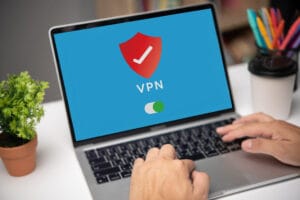
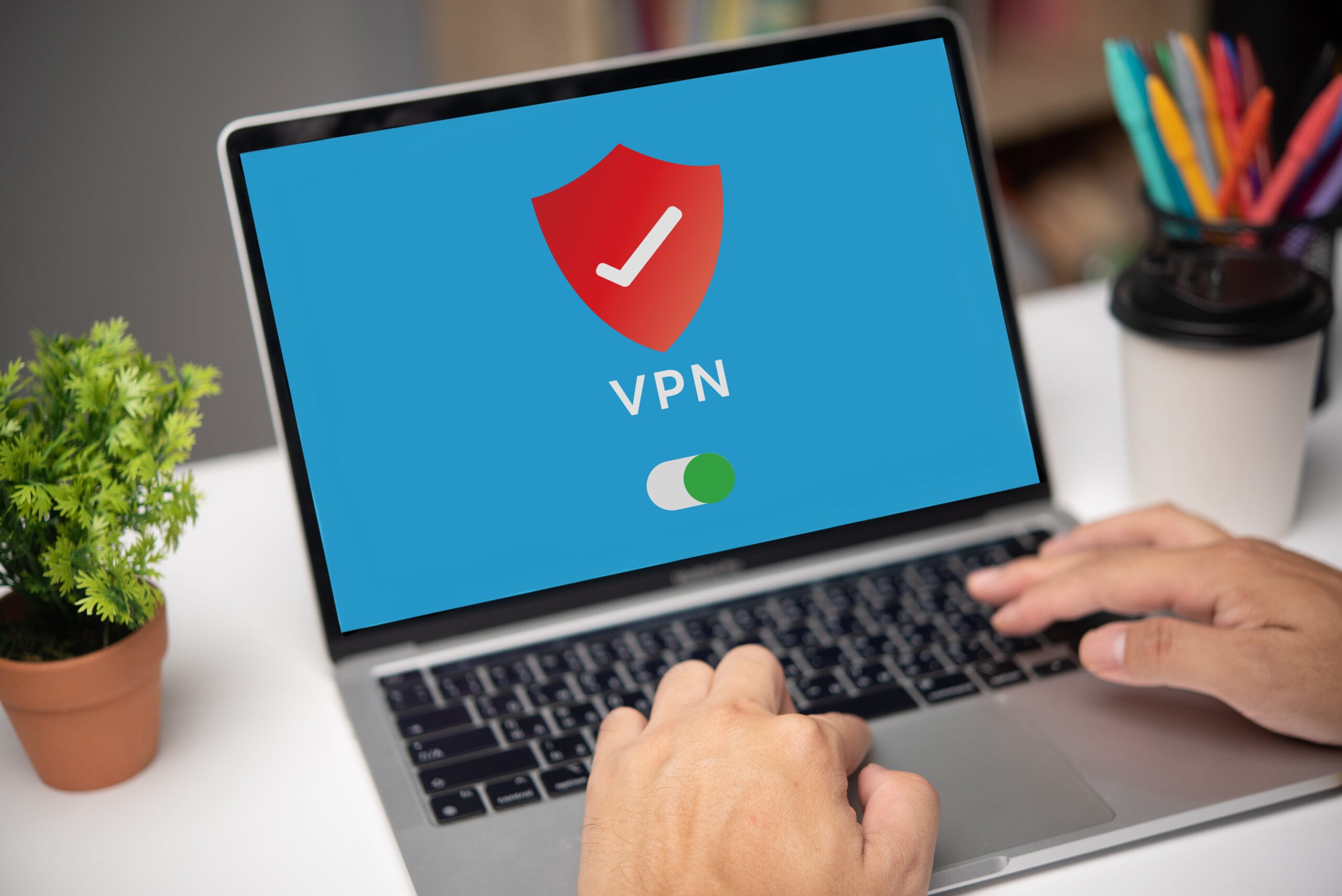
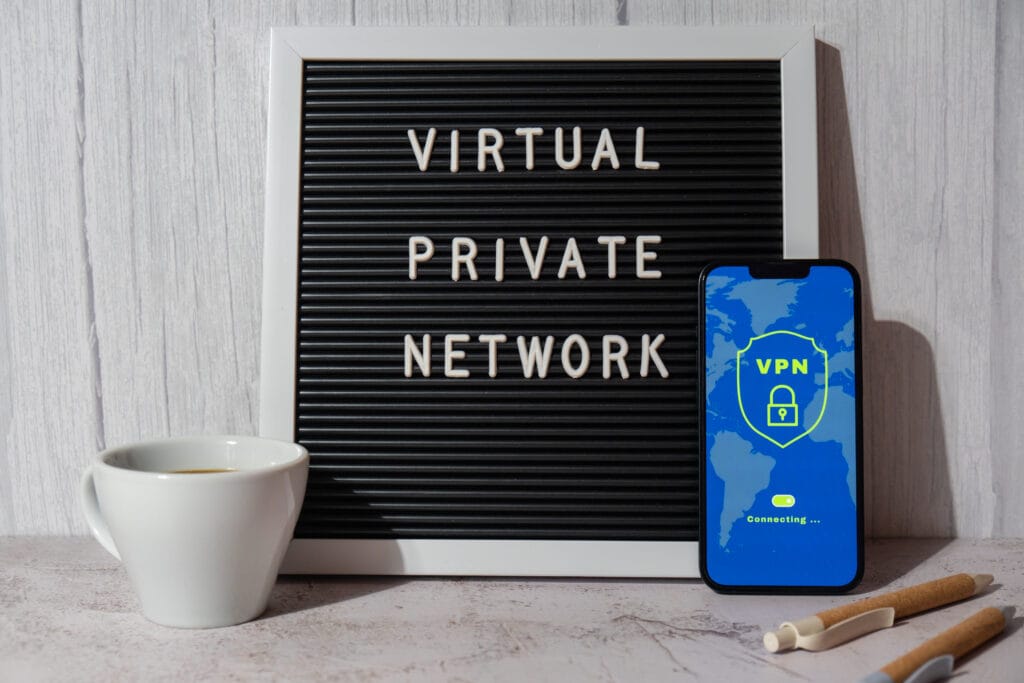
This catastrophic vulnerability is the primary reason why remote workers need a VPN. A Virtual Private Network creates a heavily encrypted, secure tunnel between your computer and the internet.
When you turn it on, the hacker sitting next to you sees absolutely nothing. They just see a stream of scrambled, unbreakable mathematical noise. You become a digital ghost. If you do not use one, you are basically screaming your passwords out loud in a crowded room.
How a VPN Actually Works (Without the Tech Jargon)
You don’t need a computer science degree to understand this.
Imagine you are sending a highly confidential physical letter. Normal internet traffic is like writing your message on a postcard. Anyone who handles it—the postal worker, the sorting facility, your nosy neighbor—can read it easily.
A VPN takes that postcard, puts it inside a heavy steel lockbox, and hires an armored truck to deliver it.
When you use reputable services like NordVPN or ExpressVPN, they route your traffic through their private servers. They mask your physical IP address. To the rest of the internet, it looks like you are sitting in a highly secure server farm in Switzerland, instead of a sketchy motel in Florida.
This encryption is the core of your defense. It prevents your Internet Service Provider (ISP), the government, and local hackers from spying on your traffic.
The “I Have Nothing to Hide” Delusion
You might think you don’t need security. You think you are too small to be a target.
“I just do graphic design. I don’t have military secrets.”
This is a terrible, dangerous mindset. You might not have military secrets, but you have access to corporate infrastructure. You have access to the company’s Google Workspace or Microsoft 365 accounts.
Hackers do not care about your personal vacation photos. They want your access tokens.
If a hacker steals your credentials, they can spear-phish your CEO. They can deploy ransomware across the entire company network. You become the weak link that destroys a multi-million dollar business.
When managers ask why remote workers need a VPN, this is the exact scenario that keeps them awake at night. The massive rise of work from home culture has pushed the security perimeter straight into your living room. You must protect it.
Escaping the Geo-Blocking Nightmare
Remote work allows you to travel. You become a digital nomad.
You fly to Mexico for a month. You sit down by the pool, open your laptop, and try to log into your company’s Stripe dashboard to process a refund.
You hit a brick wall. Access denied.
Financial platforms, healthcare portals, and internal company databases often use geofencing. They automatically block IP addresses from foreign countries to prevent international fraud. If you travel without preparing for this, you cannot do your job.
This geographical friction perfectly highlights why remote workers need a VPN.
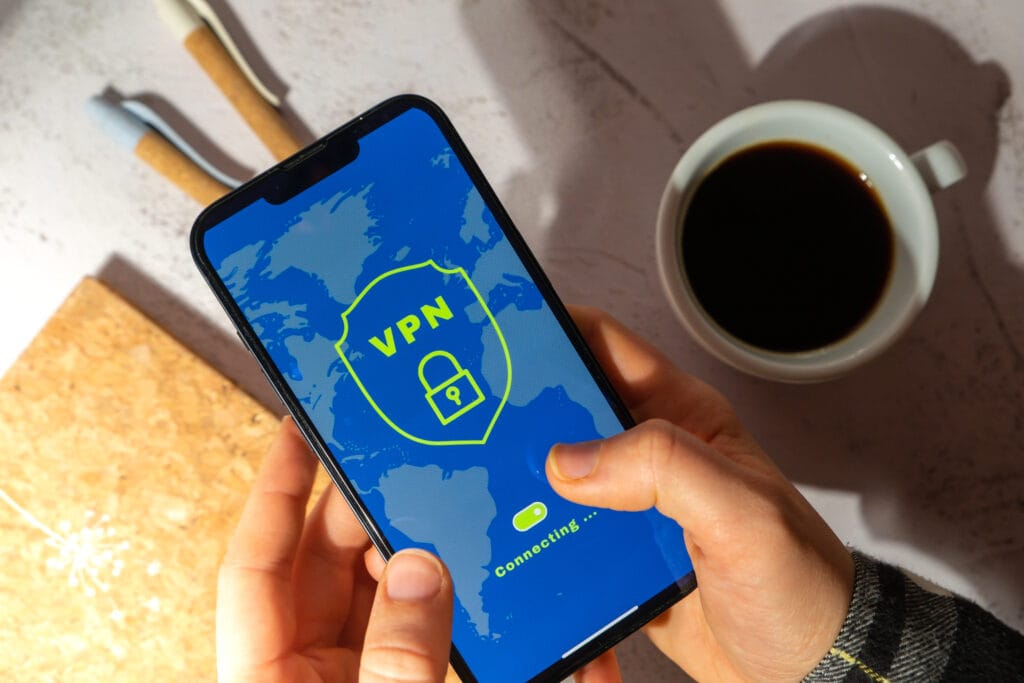
You simply open your VPN app. You select a server in your home country, like Dallas or Chicago. Instantly, your web traffic is routed through Texas. Stripe thinks you never left your house. You bypass the security block seamlessly and get back to work.
If you plan on traveling, a VPN is your absolute lifeline. It keeps your location anonymous and your access uninterrupted.
Defeating ISP Bandwidth Throttling
You are in the middle of a massive presentation on Zoom. The client is ready to sign.
Suddenly, your video freezes. Your audio sounds like a robot. The connection drops completely.
You pay for high-speed internet. Why does it keep failing during heavy video calls?
Your Internet Service Provider (ISP) is likely throttling you. ISPs monitor your traffic. When they see you using massive amounts of bandwidth for streaming or video conferencing, they intentionally slow your connection down to save server capacity.
They punish you for using the exact product you pay for.
Here is another massive reason why remote workers need a VPN. When your VPN is active, your ISP goes completely blind. They can see that you are connected to the internet, but they cannot see what you are actually doing.
Because they cannot identify that you are on a heavy video call, they do not trigger their automated throttling algorithms. Your connection remains stable. Your video stays crisp. You close the deal.
Shadow IT and Personal Devices
The boundary between personal and professional life is entirely blurred.
You use your personal iPhone to answer a quick message on Microsoft Teams. You download a proprietary PDF onto your personal desktop because your company laptop is applying updates.
This is called “Shadow IT.” It terrifies security engineers.
When you use personal devices, you lack the heavy enterprise firewall protection that an office building provides. Your home router is probably secured by an ancient password that came printed on a sticker five years ago.
You must treat your home network as compromised. A VPN acts as your personal, portable firewall. It ensures that even if your home network is infected with malware, your specific connection to the company server remains encrypted and protected.
How to Choose the Right VPN
Not all security software is created equal. You cannot just pick the first result on the app store.
There is a massive industry of fake, malicious privacy tools. If you want to actually secure your livelihood, you must understand what makes a good product.
The “Free” VPN Trap
Do not ever use a free VPN. Ever.
Running global server networks costs millions of dollars a month. If an app is offering this service for free, you are the product. They are logging your entire browsing history and selling it directly to data brokers or advertising agencies.
Worse, many free apps actually inject malware or tracking software into your browser.
Using a free service completely defeats the entire premise of why remote workers need a VPN. You are just handing your data to a different criminal. Pay the five dollars a month for a premium, verified service. It is a mandatory business expense.
What to Actually Look For
When selecting a provider, you must demand specific features.
- Strict No-Logs Policy: The company must publicly state they do not record your traffic. Look for providers that have undergone independent, third-party security audits.
- The Kill Switch: If your secure connection drops for a microsecond, your real IP address leaks. A kill switch instantly cuts your entire internet connection if the VPN fails, preventing any data from escaping the encrypted tunnel.
- WireGuard Protocol: Ancient protocols like OpenVPN are slow. You want a service that uses modern, lightweight protocols like WireGuard to ensure your download speeds do not suffer.
Brands like ProtonVPN and Mullvad are heavily respected in the cybersecurity community because they prioritize absolute anonymity over flashy marketing. Do your research. Pick a tool you trust.
The Evolution to Zero Trust
We must look at where the industry is heading.
By 2026, many massive enterprise companies are moving beyond traditional VPNs. They are adopting Zero Trust Network Access (ZTNA).
Zero Trust means the network inherently trusts absolutely no one. Even if you are logged into the VPN, you do not get blanket access to the entire corporate server. You only get access to the specific app you need at that exact moment.
While enterprise giants adopt Zero Trust architectures, small startups and freelancers will still rely heavily on consumer VPNs for years. Regardless of the underlying technology, the core philosophy remains the same. You must encrypt your endpoints. You must verify your identity continuously.
Understanding this industry shift proves you are a mature professional. It proves you understand the deep operational mechanics of distributed environments.
Take Control of Your Career Security
You work hard for your remote lifestyle. Do not lose it over a stupid mistake.
A data breach destroys careers instantly. If your laptop is the entry point for a massive corporate hack, you will be fired. You will be blacklisted.
Do not be the weak link. Take absolute responsibility for your own hardware. Buy a premium subscription. Turn it on every single time you connect to a network outside of your house. Make it a non-negotiable daily habit.
Stop relying on generic job boards filled with spam. Come directly to our curated ecosystem. You can securely browse our live remote job feed to find legitimate, highly vetted companies.
The flexibility of remote work is an incredible privilege. It requires an equal amount of responsibility. Protect your data. Protect your clients. Understand exactly why remote workers need a VPN, and never connect naked again. Get to work.